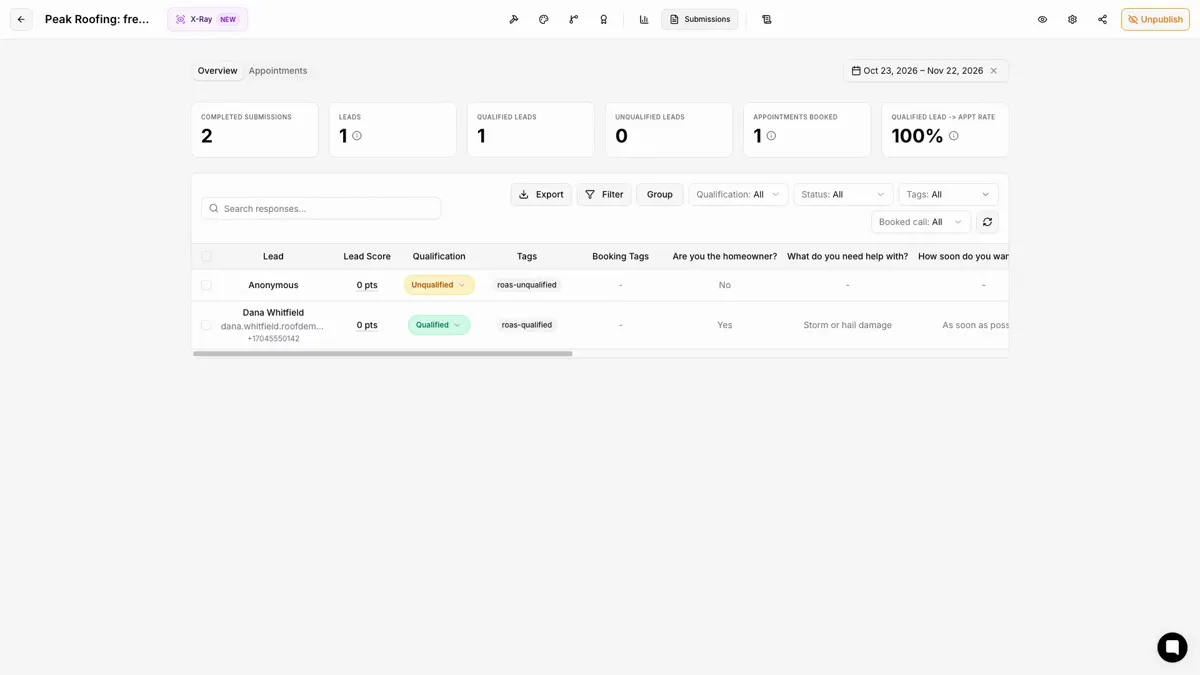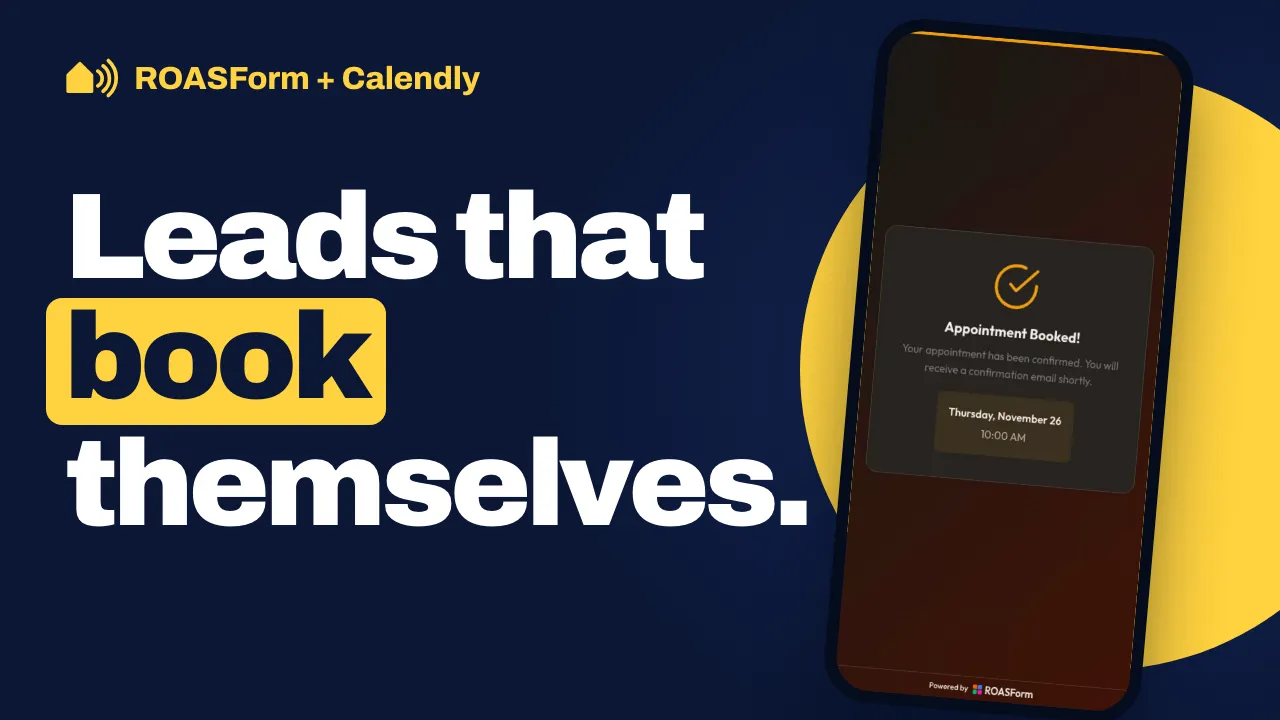
What you’ll build
Five questions, a contact card, and two endings: a Calendly calendar for homeowners, and a polite no for everyone else. One logic rule decides who sees which.
Before you start
- A ROASForm account
- A Calendly account (the free plan is enough)
- About 30 minutes, including the test on your phone
The steps
Step 1: Make the event in Calendly
Create, One-on-one, name it Free roof inspection, 30 minutes, your hours. Create.
Step 2: Connect Calendly to ROASForm
Connect, Integrations, Calendly, Connect, then Approve on Calendly's screen. That's how the form sees your open times.
Step 3: Start the form and the intro screen
New form, start from scratch. Add an Intro: the headline, one line underneath, and a Start button.
Step 4: Ask the questions
Are you the homeowner (Yes/No), what do you need help with and how soon (single choice), the address (short text), anything we should know (long text).
Step 5: Contact details right before the calendar
A Contact Card with name, email and phone. Make phone required, a roofer calls before showing up.
Step 6: The calendar, and the polite no
Turn the default ending into a Calendar, pick Calendly and your event. Add a second ending for renters, and one logic rule: homeowner is No, go to the polite no.
Step 7: Publish and test it on your phone
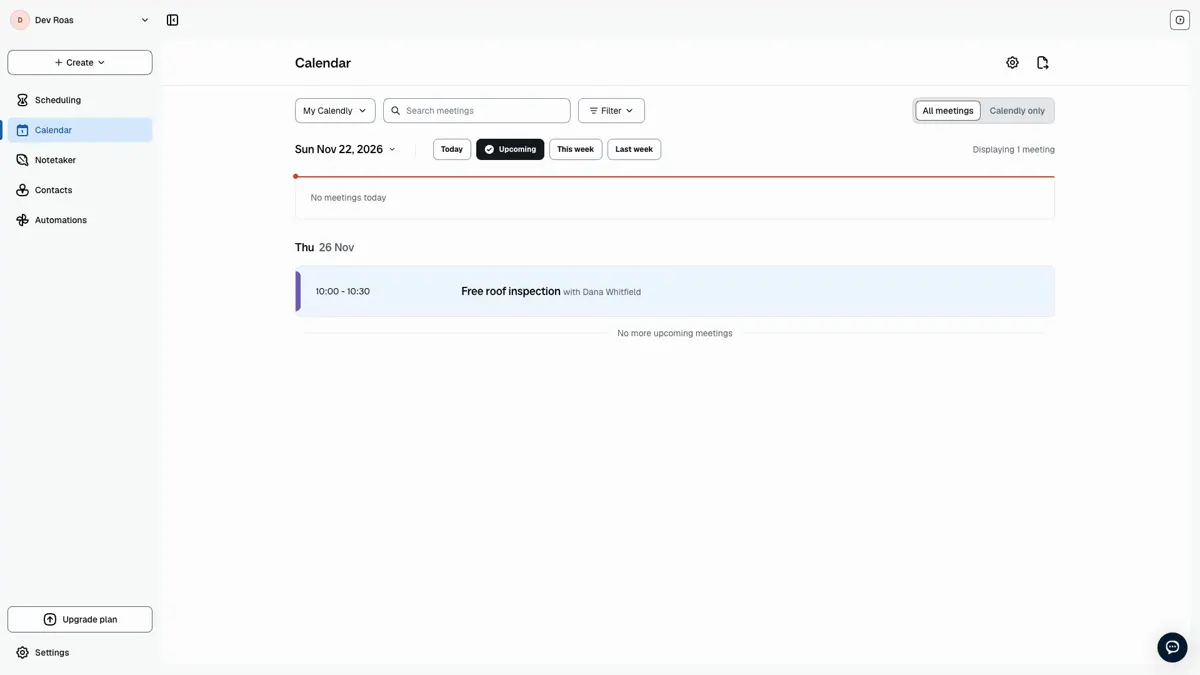
Publish, copy the link, and go through it twice: once as a homeowner who books, once as a renter.